Accounting Cloud Hosting Solutions

Windows 11 Cloud Desktops

Whether your team is working from the office, home, or on the go, cloud-based desktops offer secure, scalable, and cost-effective computing that improves collaboration, data protection, and client service. Our accounting cloud hosting delivers Windows 11 cloud desktops, giving your team a familiar, modern Windows experience with enterprise-grade security and flexibility.

Why Cloud Hosting for Accounting Matters

Accounting firms handle highly sensitive financial and client data. Traditional desktops and local servers can limit flexibility and pose security risks. Cloud desktops provided through Amazon WorkSpaces solve these challenges by offering:

Secure Access & Data Protection

  • Access client files and apps from anywhere

  • Centralized security — no data stored on individual devices

  • Helps meet compliance requirements (GDPR, SOX, etc.)
    Benefit: Peace of mind knowing financial data is protected.

Scalability for Peak Seasons

  • Easily add virtual desktops during tax or audit seasons
  • Reduce resources when demand drops
    Benefit: Control costs and stay responsive.

Centralized IT Management

  • Manage software updates, patches, and access from one place

  • Faster onboarding for new staff or remote contractors
    Benefit: Simplifies IT operations and reduces support time.

Business Continuity & Disaster Recovery

  • Work continues even during outages or office closures
    Benefit: No interruption during critical work periods.

Improved Collaboration Across Teams

Teams can securely share documents, work together in real time, and serve clients faster — whether they’re across town or across the country.

Key Benefits for Your Accounting Workflow

Benefit

What It Means for You

Benefit

Anywhere Access

What It Means for You

Work from home, office, or client sites

Benefit

Better Security

What It Means for You

Encryption, centralized policies, reduced breaches

Benefit

Windows 11 Cloud Environment

What It Means for You

Work in a full Windows 11 desktop

Benefit

Cost Efficiency

What It Means for You

Lower hardware & maintenance spending

Benefit

Flexible Work Options

What It Means for You

Attract and retain talent with remote work

Benefit

Faster Client Service

What It Means for You

Real-time updates and collaboration

How it Works

1. Consultation & Assessment

We learn your firm’s needs — software, number of users, current pain points.

2. Cloud Desktop Setup

We deploy Amazon WorkSpaces virtual desktops configured with your accounting tools. Each user is provisioned a secure Windows 11 virtual desktop, fully managed in the cloud and customized for your accounting applications.

3. Secure Configuration

Security policies, MFA, and access controls are implemented to protect data.

4. Migration & Testing

Your data and workflows are migrated with minimal disruption.

5. Training & Ongoing Support

Your team gets help using the system, plus ongoing maintenance.

Who Benefits Most

Accounting firms with remote or hybrid teams

Practices hosting large client databases

Firms that scale seasonally (tax season, audits)

Organizations wanting better security & uptime

What an Accounting Cloud Desktop Looks Like

Take a look at what a secure cloud desktop looks like for accounting professionals and how everything is accessed in one place.

Ready to Modernize with AWS?

Contact us today to explore how AWS cloud services can accelerate your growth and transform your IT operations.


Or fill out the form below for more information

Nov 24 2025

Cloud Storage vs. Cloud Computing: Understanding the Difference

In today’s tech-driven world, the term “cloud” gets thrown around a lot. But did you know that...
Mar 03 2025

Setting Up an Amazon WorkSpace with a Custom Bundled Image

Amazon WorkSpaces is a managed, secure Desktop-as-a-Service (DaaS) solution that allows you to...
Mar 03 2025

How to Add an AMI to Amazon WorkSpaces and Create a Bundle

When managing Amazon WorkSpaces, creating custom images and bundles can enhance user experience by...
Mar 03 2025

How to Import an OVA File into AWS as an AMI

Migrating virtual machines to AWS often requires transforming an OVA file into an Amazon Machine...
Feb 27 2025

How to Upload an OVA File to an Amazon S3 Bucket

Amazon S3 (Simple Storage Service) is a highly scalable, reliable, and low-latency data storage...
Feb 27 2025

Running the BYOL Checker Before Importing into AWS

When planning to import your Bring Your Own License (BYOL) software into AWS, ensuring...
Feb 27 2025

How to Create a Windows 11 Virtual Instance Using Oracle VirtualBox

Virtual machines are a fantastic way to run a separate operating system on your current machine...
Feb 27 2025

Installing AWS CLI and Connecting CMD to Amazon Web Services

Managing Amazon Web Services (AWS) from the command line can be highly efficient and convenient....
Feb 25 2025

Creating an Amazon S3 Bucket and Assigning Permissions

Amazon S3 (Simple Storage Service) is a highly scalable object storage service provided by AWS....
Feb 25 2025

How to Create an AWS WorkSpaces Support Ticket for BYOL Image Access

Bringing Your Own License (BYOL) for Amazon WorkSpaces can provide significant cost savings and...
Feb 10 2025

Set up AWS Account and Enable Workspaces

Amazon Web Services (AWS) offers a robust cloud platform for businesses and developers. Whether...
Dec 11 2024

Don’t Fear the Cloud: Why AWS is Secure, Scalable, and Smart

Cloud computing has revolutionized the way businesses and individuals handle data, applications,...
DaaS
Oct 28 2024

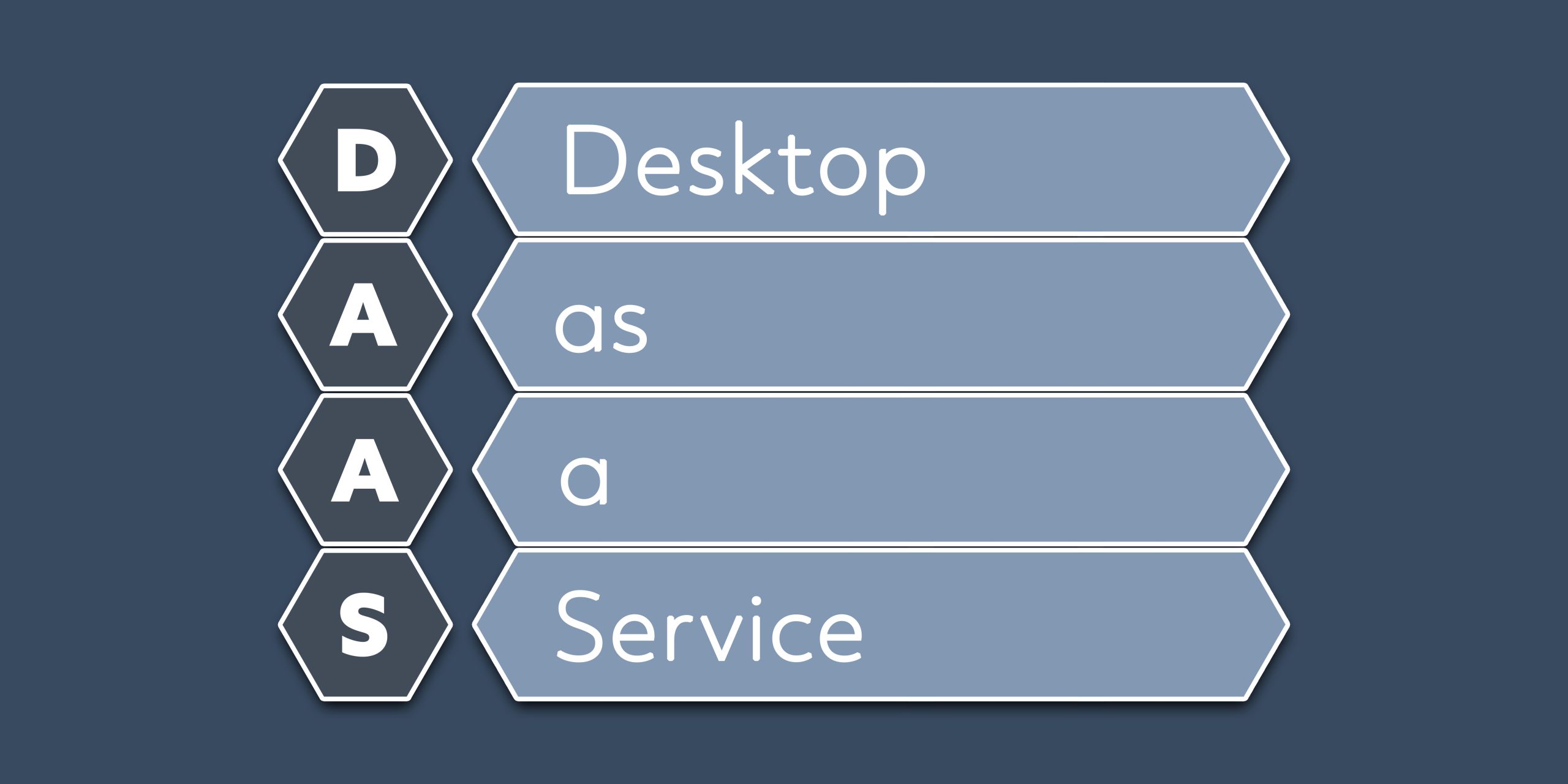
Unpacking Desktop as a Service (DaaS)

In an era where remote work, flexible scheduling, and cloud computing are no longer just buzzwords...